
Excel or school management software?
A spreadsheet works well when you're starting out. As groups, teachers and instalments add up, more and more time goes into retyping and checking. Here's what works differently in VerseLMS.
Spreadsheet and VerseLMS
A school's everyday tasks: in a spreadsheet and in a system
| Task | In a spreadsheet | In VerseLMS |
|---|---|---|
| Students and groups | In a spreadsheetOne file that soon splits into several versions: on a drive, in an email, on a teacher's laptop. | In VerseLMSOne list for the whole school. You enrol students and teachers on a course in bulk. |
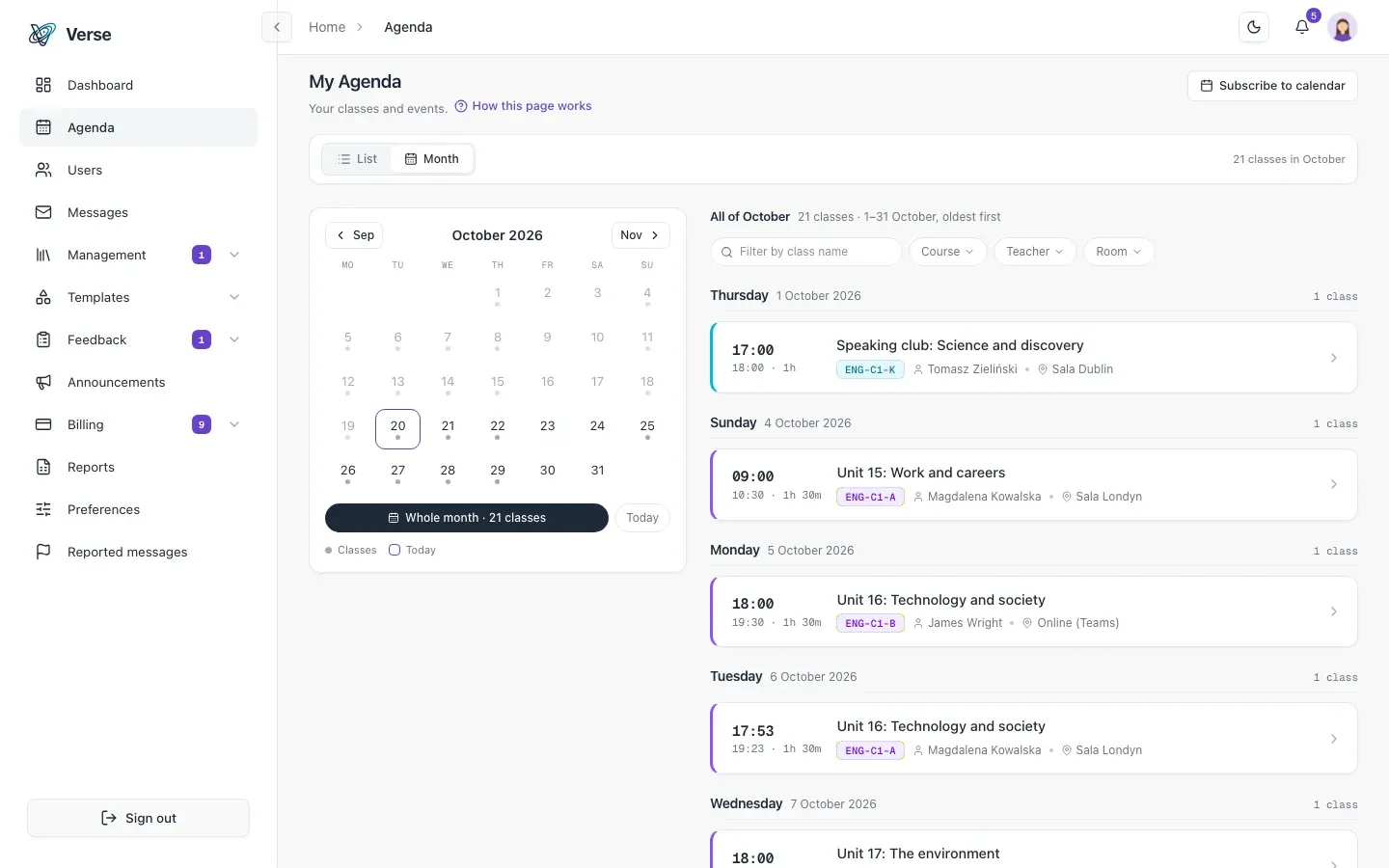
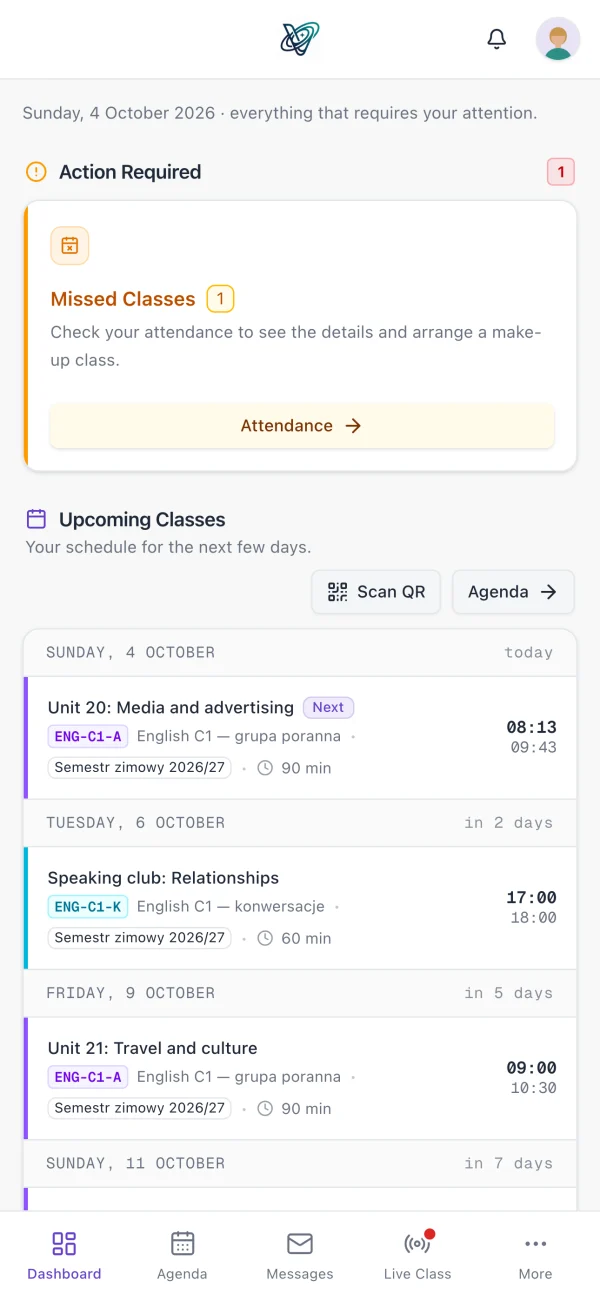
| Schedule | In a spreadsheetYou enter every class by hand and tell the group yourself when a date changes. | In VerseLMSA semester's schedule is generated from class templates. Students are notified when a class is moved or cancelled. |
| Attendance | In a spreadsheetTeachers note attendance on paper or in their own copy, and someone types it into the file later. | In VerseLMSStudents confirm attendance with a QR code, or the teacher marks it in the app. The statistics add up on their own. |
| Payments | In a spreadsheetYou tick off instalments and payments by hand, row by row, and check them against the bank statement. | In VerseLMSInstalments are created when a student enrols. Paid, due and overdue amounts are in one view. |
| Reminders | In a spreadsheetYou write to each person and keep track of who has already heard from you. | In VerseLMSThe overdue-payment reminder goes out from the system, and nobody gets it twice. |
| Invoices | In a spreadsheetYou issue them in a separate program and retype the student's details. | In VerseLMSA connected inFakt account issues the invoices and sends them to KSeF. When an invoice is paid, the payment is marked as paid. |
| Access to data | In a spreadsheetYou share the whole file or keep separate copies for teachers. | In VerseLMSAdmins, teachers and students have separate permissions. A student sees only their own classes and payments. |
| Keeping students informed | In a spreadsheetYou send the schedule and the balance by email or a messaging app. | In VerseLMSStudents have an app for iPhone, iPad and Android: their schedule, assignments, announcements and balance. |
| Reports | In a spreadsheetYou build them with formulas that one extra row can break. | In VerseLMSYou download attendance, grade or payment reports as Excel files (XLSX) whenever you need them. |
To be fair
When a spreadsheet is enough
If you run one or two groups and check attendance and payments yourself, a spreadsheet is plenty. Excel or Google Sheets is at hand, you know it, and you can lay everything out your way. A system starts to pay off when several people work in the file, groups and instalments add up, and students ask about their schedule and balance more often than you have time to answer.
Payments
See who's overdue without scrolling a spreadsheet
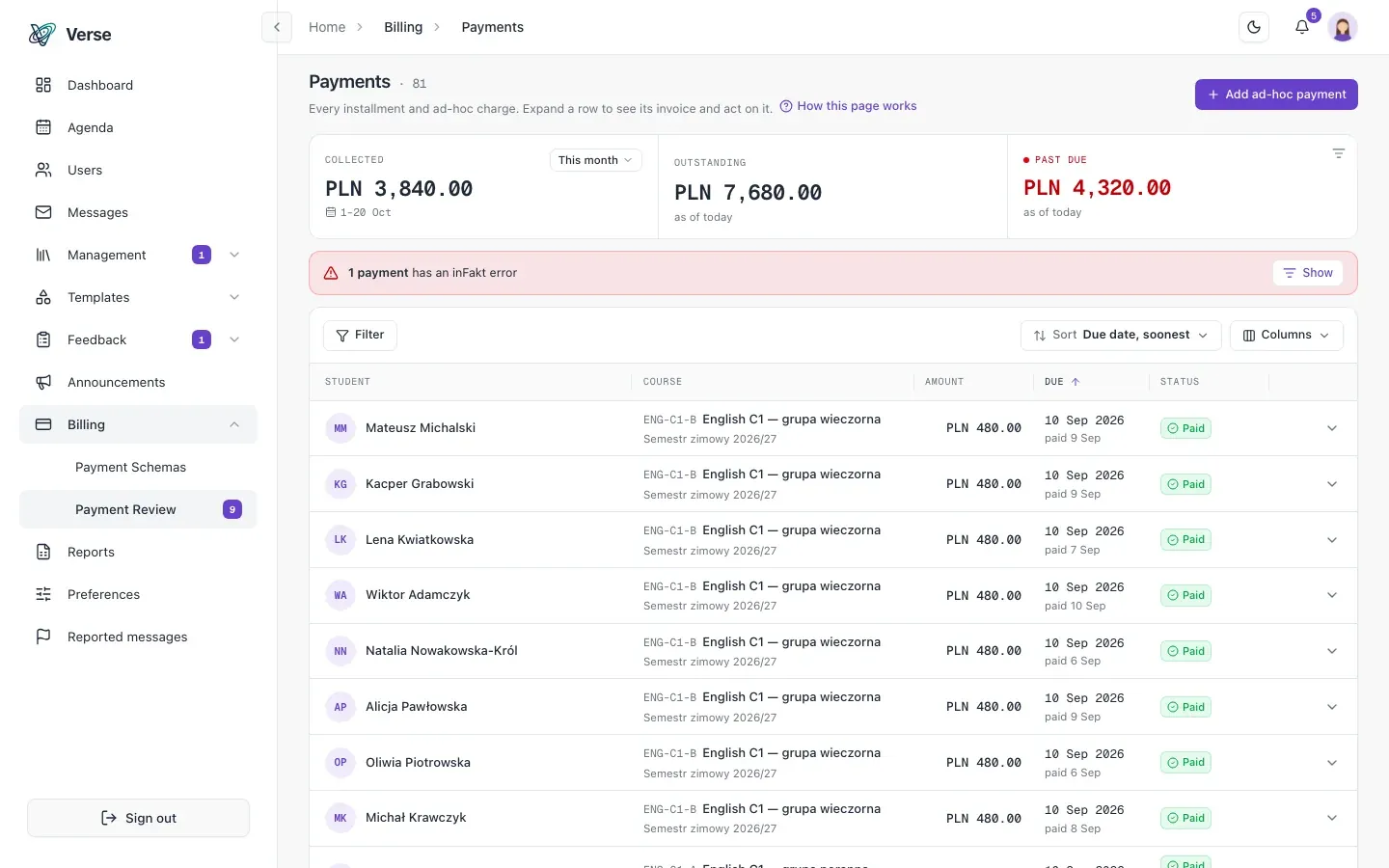
You set up an instalment plan once and assign it to a course. Payments are created when a student enrols, so nobody has to remember to add them to billing.
- Paid, due and overdue amounts in one view.
- Mark as paid in one click, and undo it.
- Suspending a student removes their future payments.
Attendance
An attendance list nobody retypes
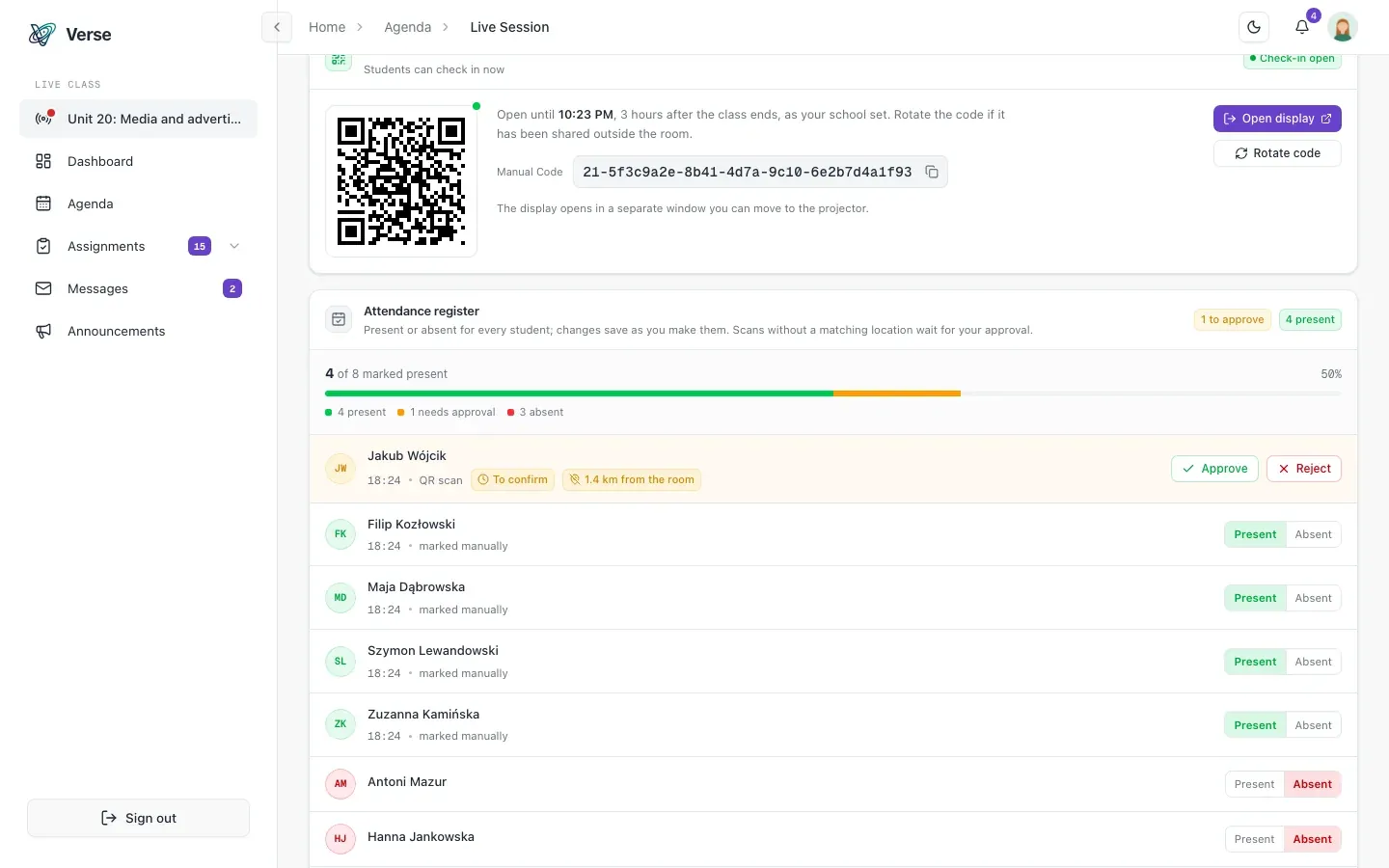
Teachers take attendance in the app, and students can confirm it with the QR code shown in class. The result goes straight into the statistics per student, course and class.
- A rotating QR code that can't be forwarded.
- Attendance statistics per class, per course and per student.
- An attendance report in Excel (XLSX) when you need one.
How to move from a spreadsheet
From a spreadsheet to your first classes in the system.
You tell us about your school.
In a presentation we show you the system and agree which modules to switch on.
We move your students and classes.
Our team helps you move students and classes over from your spreadsheet.
You run your classes in VerseLMS.
Students and teachers get their invitations and the app, and the spreadsheet can stay for reports.
Frequently asked questions
About moving from a spreadsheet to VerseLMS.
Can I keep using Excel?
Yes. You download attendance, grade, payment and survey reports as XLSX files, so your VerseLMS data opens in Excel or Google Sheets.
Who moves the data from my spreadsheet?
Our team helps you move students and classes when you start. Write to us and we'll agree the details in the presentation.
Does VerseLMS suit a small school?
Yes. Payments, make-up classes and invoicing are switched on separately for each school, so you start with what you need.
How much does VerseLMS cost?
We'll prepare a quote for your school. Write to us.
Microsoft Excel is a trademark of Microsoft Corporation, and Google Sheets is a trademark of Google LLC.
Let's talk about your school
Write to us: we'll prepare pricing for your school and show you VerseLMS in a presentation.
Have an idea for a feature? We improve VerseLMS every week: suggest it.